
UGV Driver Assistant - Get APK
You'll be able to download in few seconds.
Publisher Description
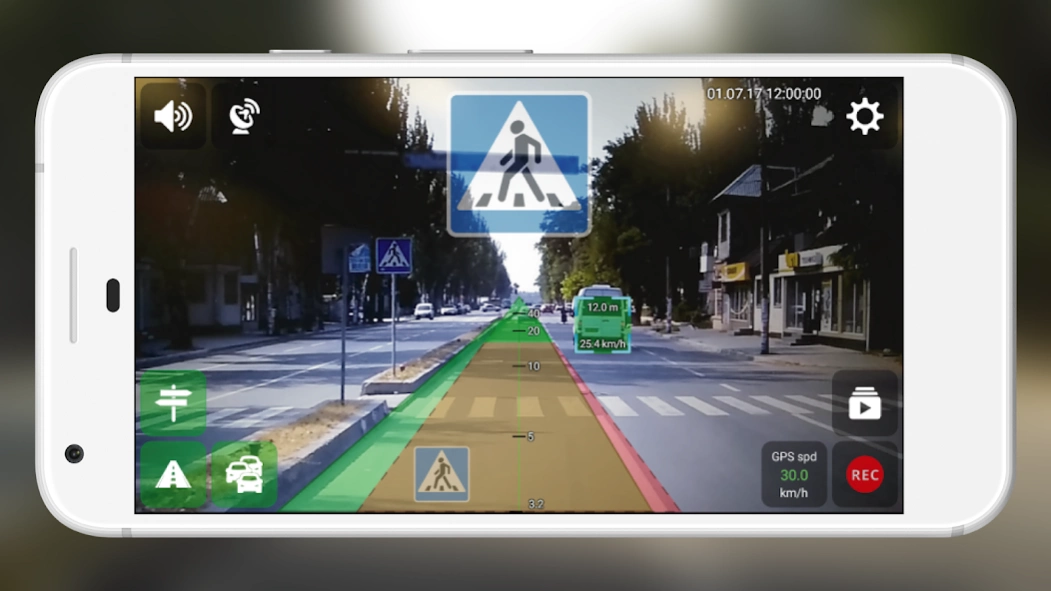
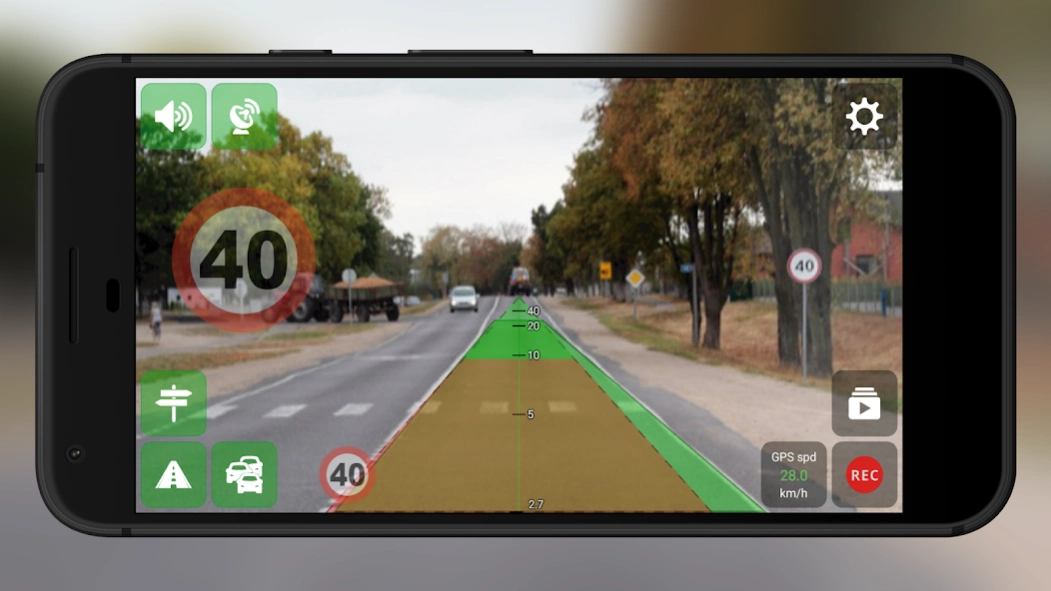
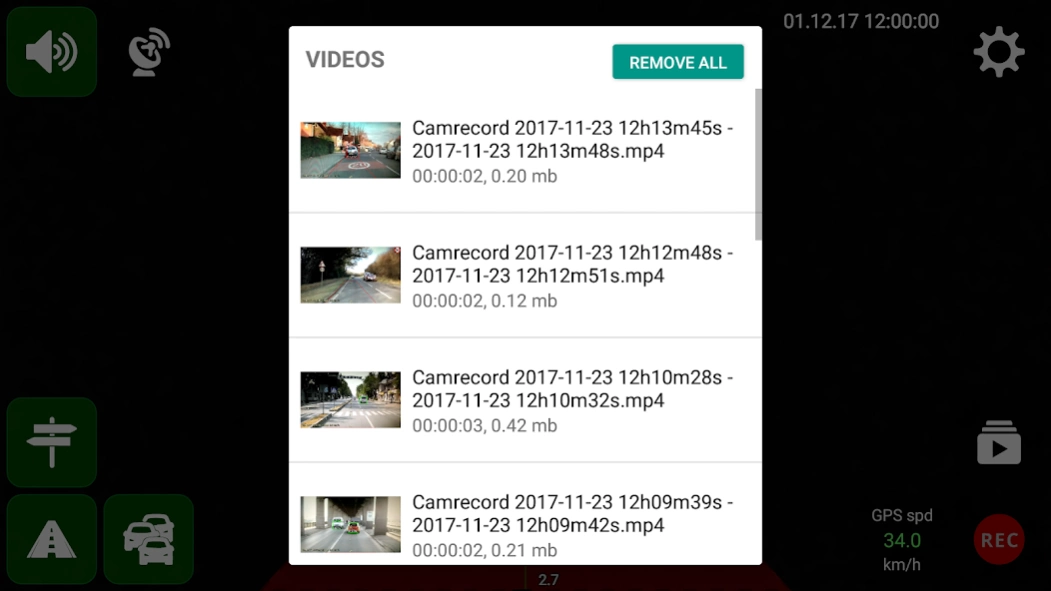
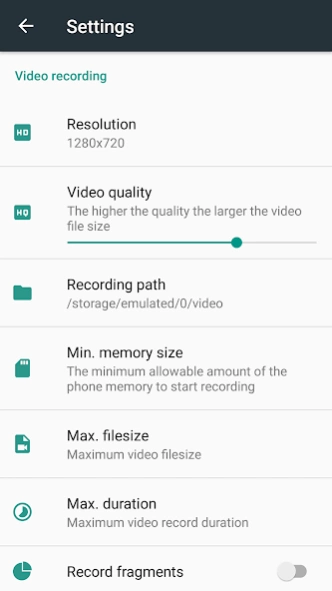
Video Recorder (DVR) with additional driver-assistance modules
UGV Driver Assistant - video recorder (DVR) with additional driver-assistance modules
* Warning! You still have to keep your eyes on the road regardless of using this app or not.
- Video recorder (video recording using the rear camera, background recording, subtitles (date, time, speed, location), augmented reality, fragment recording, temporary auto-pause recording when camera doesn't detect motion)
- Distance control (vehicles, pedestrians detection and warnings of dangerous approach to them)
- Road sign notifications, speed limit warnings
- Vehicle trajectory control (road edge detection and warnings in case of deviation from the road)
How to use
1. The recommended device specifications to use all features: CPU 8 Cores 2.0 GHz, 2 GB Memory (RAM)
2. Using car smartphone mount, attach your device to the windshield of your car
3. Start the app and adjust the position of the smartphone so that there is no "Camera position is incorrect"
4. Set the camera (smartphone) height and the width of your car
5. Start recording by pressing the REC button and activate the driving assistance modules you need
* If video recording isn't smooth then try to disable the driver-assistance modules and the augmented reality option (your device may not have enough resources)
Feedback/Support Email address: feedback.ugvdriver@gmail.com (report bugs, request features) - please use it for any questions instead of reviews
About UGV Driver Assistant
The company that develops UGV Driver Assistant is Infocom Ltd. The latest version released by its developer is 1.0 .
To install UGV Driver Assistant on your Android device, just click the green Continue To App button above to start the installation process. The app is listed on our website since 2020-06-18 and was downloaded 0 times. We have already checked if the download link is safe, however for your own protection we recommend that you scan the downloaded app with your antivirus. Your antivirus may detect the UGV Driver Assistant as malware as malware if the download link to com.infocomltd.ugvassistant is broken.
How to install UGV Driver Assistant on your Android device:
- Click on the Continue To App button on our website. This will redirect you to Google Play.
- Once the UGV Driver Assistant is shown in the Google Play listing of your Android device, you can start its download and installation. Tap on the Install button located below the search bar and to the right of the app icon.
- A pop-up window with the permissions required by UGV Driver Assistant will be shown. Click on Accept to continue the process.
- UGV Driver Assistant will be downloaded onto your device, displaying a progress. Once the download completes, the installation will start and you'll get a notification after the installation is finished.
Program Details
System requirements
Download information
Pricing
Version History
version
posted on 2020-06-18
Fixed problems with the camera and video recording for android 10
version 1.21
posted on 2019-08-05
- fixed an issue with obstacle detection module on Android 5
- video recording folder space limitation and files limitation options
- improved detection of speed limit signs
- option to enable/disable adding specific detected objects on recording video when augmented reality option is enabled
version 1.04
posted on 2018-03-07
option to enable infinity focus when video focus is disabled
Disclaimer
External Download
We do not host UGV Driver Assistant on our servers. We did not scan it for viruses, adware, spyware or other type of malware. This app is hosted by Galad and passed their terms and conditions to be listed there. We recommend caution when installing it.
The APK Download link for UGV Driver Assistant is provided to you by apps112.com without any warranties, representations or guarantees of any kind, so access it at your own risk.
If you have questions regarding this particular app contact the publisher directly. For questions about the functionalities of apps112.com contact us.
